Skills CLI 1.0: Bundle and distribute AI agent skills for your packages
Ship official AI agent skills directly with your packages to improve discoverability.

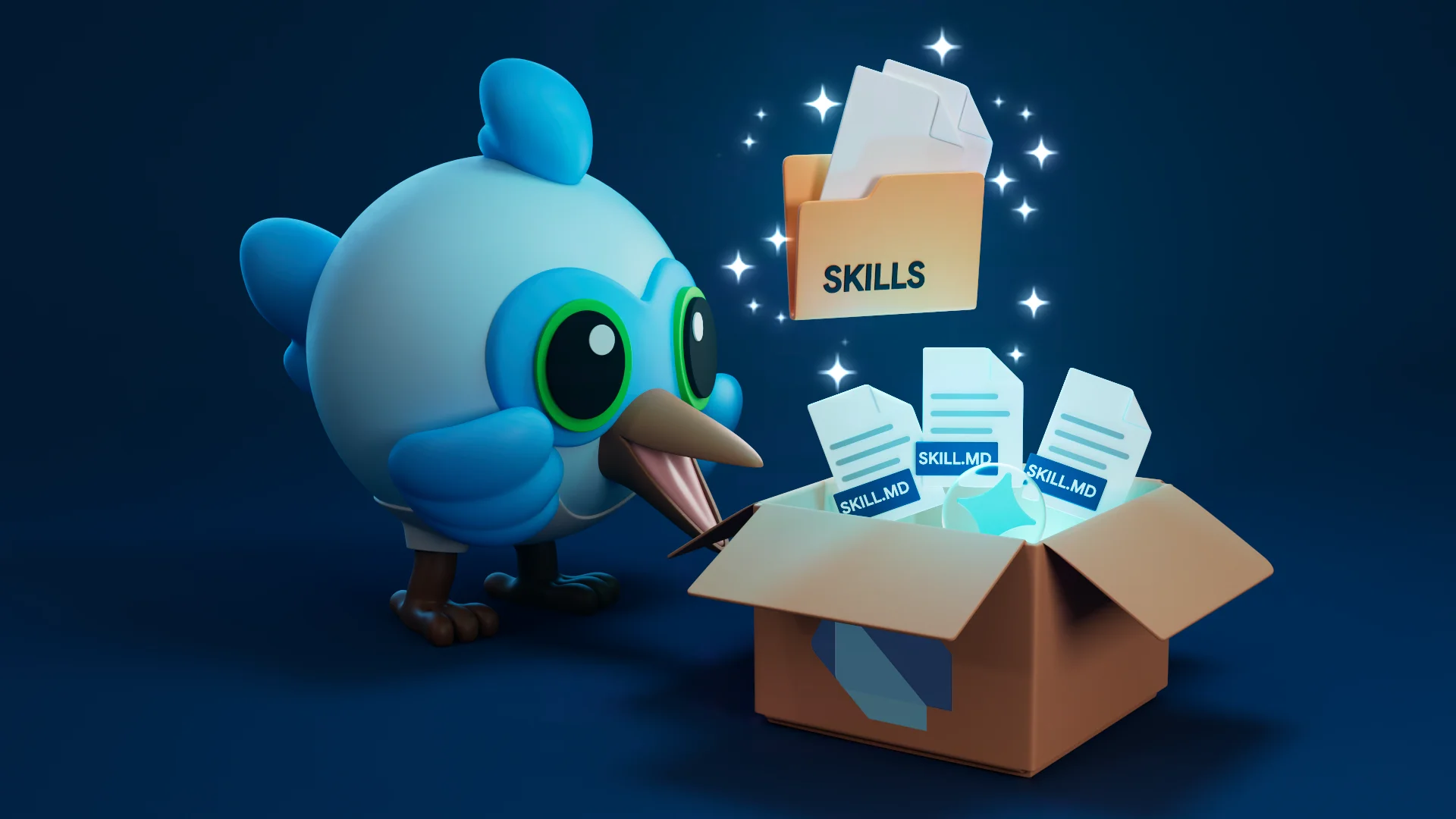
Since late 2025, Agent Skills have been changing how users give better context to their AI agents. They are easy to create, and use tokens efficiently through progressive disclosure. Together, these benefits bridge the knowledge cutoff gap, enabling agents to work more effectively on unfamiliar or updated codebases, dependencies, and tools.
Today, skills are typically shared through Git repositories,
requiring developers to either manually clone and copy files
or rely on tools such as npx skills.
While npx skills works well, for a Dart fanatic like me,
requiring Node.js just to run a single command-line tool feels out of place.
Dart has always taken a "batteries-included" approach,
with everything you need built right into the SDK.
Managing AI skills should feel just as native.
Even for developers who already have Node.js and npx installed,
there is still a lack of both discoverability and package version support.
How do you ensure the skills you're using
match the exact version of the package in your project?
Enter the skills CLI
#
To solve both of these problems,
the team at Serverpod
created the skills CLI.
We're excited to announce version 1.0,
now maintained and published directly by the Dart team.
This tool is much more than just a replacement for npx skills.
The real magic is that it enables package authors to easily ship skills
directly with their package.
All they have to do is put them under a top level skills/ directory:
my-project/
├── src/
├── skills/      <--- skills
├── pubspec.yaml
└── README.md
We recommend running this tool using the new dart run skills@ syntax,
which always runs the latest version of the CLI as a global tool.
Alternatively, you can install the tool with dart install
(just remember to update it periodically!).
For package consumers: Installing skills
#
To fetch skills directly from dependencies in your pubspec.yaml,
run the get command:
# Scans immediate dependencies and discovers available skills.
dart run skills@ get
The skills CLI scans your project dependencies
for bundled skills/ directories.
It then lists the available skills
and lets you choose which ones you want to install.
Subsequent runs are incremental—displaying only new, updated, removed,
or previously skipped skills.
You can also pass the --all flag to install all skill dependencies at once.
For package authors: Shipping a skill
#
Package authors can start shipping skills alongside their code today.
To create a skill, add a directory inside skills/
prefixed with your package name (to prevent collision),
and include a SKILL.md instruction file.
This follows the standard Agent Skills layout.
For example, a package named networking can enforce proper API usage
with the following structure:
---
name: networking-error-handling
description: >-
Use when the user is making network requests using the networking APIs
to ensure safe patterns.
---
# Networking Error Handling
## Guidelines
- Operations must always be wrapped in a try/catch block.
- You must catch `NetworkException` specifically
to handle retries and log diagnostics.
- Provide fallback UI state in the event of a timeout.
## Examples
```dart
try {
final response = await NetworkingClient.fetchData();
} on NetworkException catch (e) {
Logger.log(e.context);
return FallbackData();
}
```
Install from git with the add command
#
While pulling skills directly from your dependencies is convenient,
an entire ecosystem already exists
around sharing skills through GitHub repositories.
These might not even be associated directly with Dart or Flutter packages.
The skills CLI also supports explicitly installing skills from any Git repo
using the add command:
# Install universally applicable skills from a Git repository
dart run skills@ add https://github.com/my-org/custom-ai-skills.git
You can install any skill found on skills.sh,
a popular skill aggregate site,
by simply replacing the npx skills command with dart run skills@.
This enables teams to compose their instructions from multiple sources, including Dart dependencies and external repositories alike, all managed by a single tool.
Try skills today
#
We’re excited to see how the skills CLI
simplifies AI-powered Dart and Flutter development!
Here is a quick recap:
-
Package authors:
Add
skills/<package_name>-<skill-name>/SKILL.mdfiles to your package repository. -
Package consumers:
Run
dart run skills@ getin your project root to discover and install available skills from your dependencies.
A huge thank you to Serverpod for the initial implementation, and to all the early adopters shaping these agentic workflows with us! If you have feedback or run into any issues, let us know by filing an issue in the dart-lang/ai repository.
To learn more and explore skills in action:
- Documentation: Read the Package skills guide or the Flutter package skills doc.
- Package authors: Follow our guide on how to ship skills with packages.
- CLI tool: View package:skills on pub.dev.
- Examples: See skills already shipping in packages like Jaspr, Serverpod, Flutter Scene, and GenUI.
More from Dart
Announcing Genkit Dart 1.0: Build production-ready agentic apps with Dart and Flutter
Announcing the stable 1.0 release of Genkit Dart, an open-source framework for building production-ready agentic apps and AI features in Dart.

The Flutter missing link: Why full-stack Dart changes everything
With Cloud Functions for Firebase support for Dart, we can treat the entire stack as a single, unified application.